Run a demo assessment
Start the demo
Create a real assessment and receive results via webhook.
How the demo works
Submit the form to create a demo assessment. You’ll be redirected straight to the Web Assessment to complete the reading test. When it’s finished, results are delivered to your webhook as JSON (including SVGs).
-
1You submit the form We send your settings (age, level, languages, webhook URL and optional branding) to Lexplore.
-
2The assessment starts immediately You are redirected to the Web Assessment and complete the demo reading test.
-
3Results are sent to your webhook Lexplore POSTs the result payload to your webhook URL as soon as the assessment is completed.
-
4Inspect or visualise View the raw JSON in a webhook viewer — or paste it into our renderer for a visual result view.
Where do I see the results? ▾
Use webhook.cool to receive and inspect the result payload.
- Go to https://webhook.cool
- Create a new webhook channel
-
Copy the Webhook URL in this format:
https://<your-channel>.webhook.cool -
Paste it into the
Webhook URLfield in the form
When the assessment is completed, Lexplore sends the result as a JSON payload to your Webhook URL.
Inspect the payload
Open the viewer link provided by webhook.cool (example format):
https://webhook.cool/at/<your-channel>/<token>
You’ll see the full JSON payload appear there as soon as the assessment is completed.
Optional: Return URL ▾
If you set a Return URL, you’ll be redirected there after the screening is completed. Tip: you can use the same webhook.cool viewer URL:
https://webhook.cool/at/<your-channel>/<token>
Want to visualise the results? ▾
Copy the JSON payload from webhook.cool and paste it into: https://optolexia.github.io/AssessmentDataViewer/
This renders key result metrics, SVG visualisations, and quality flags.
Good to know ▾
- This is a real assessment flow (not a mock).
- Branding options only affect UI accents — results and analysis are unchanged.
- All data is delivered only to the webhook URL you provide.
What you’ll receive
A structured JSON payload delivered to your webhook when the assessment is completed.
This demo sends the same result structure used in production.
You can inspect the raw payload, store it, or transform it to fit your product.
Example result payload
This is a simplified example of the JSON sent to your webhook when an assessment is completed.
{
  "eventType": "assessmentCompleted",
  "assessmentId": "e4e5e43e-b270-4448-b7cf-4e61af4e1fd4",
  "occurredAt": "2026-01-09T13:31:54.2618356+00:00",
  "result": {
    "averages": {
      "percentile": 99,
      "level": 5,
      "wcpmAdjusted": 236,
      "zScore": 230,
      "gle": 108,
      "readingAge": 192
    },
    "text1": {
      "readingMode": 1,
      "duration": "00:00:05.7660000",
      "wpm": 208.12,
      "wcpmAdjusted": 196.19,
      "percentile": 99
    },
    "text2": {
      "readingMode": 1,
      "duration": "00:00:02.0640000",
      "wpm": 581.40,
      "wcpmAdjusted": 275.24,
      "percentile": 99
    },
    "visualizations": {
      "ran": { "format": "svg", "bytes": 48213 },
      "oral": { "format": "svg", "bytes": 39102 },
      "silent": { "format": "svg", "bytes": 52780 }
    }
  }
}Example visualisation (SVG)
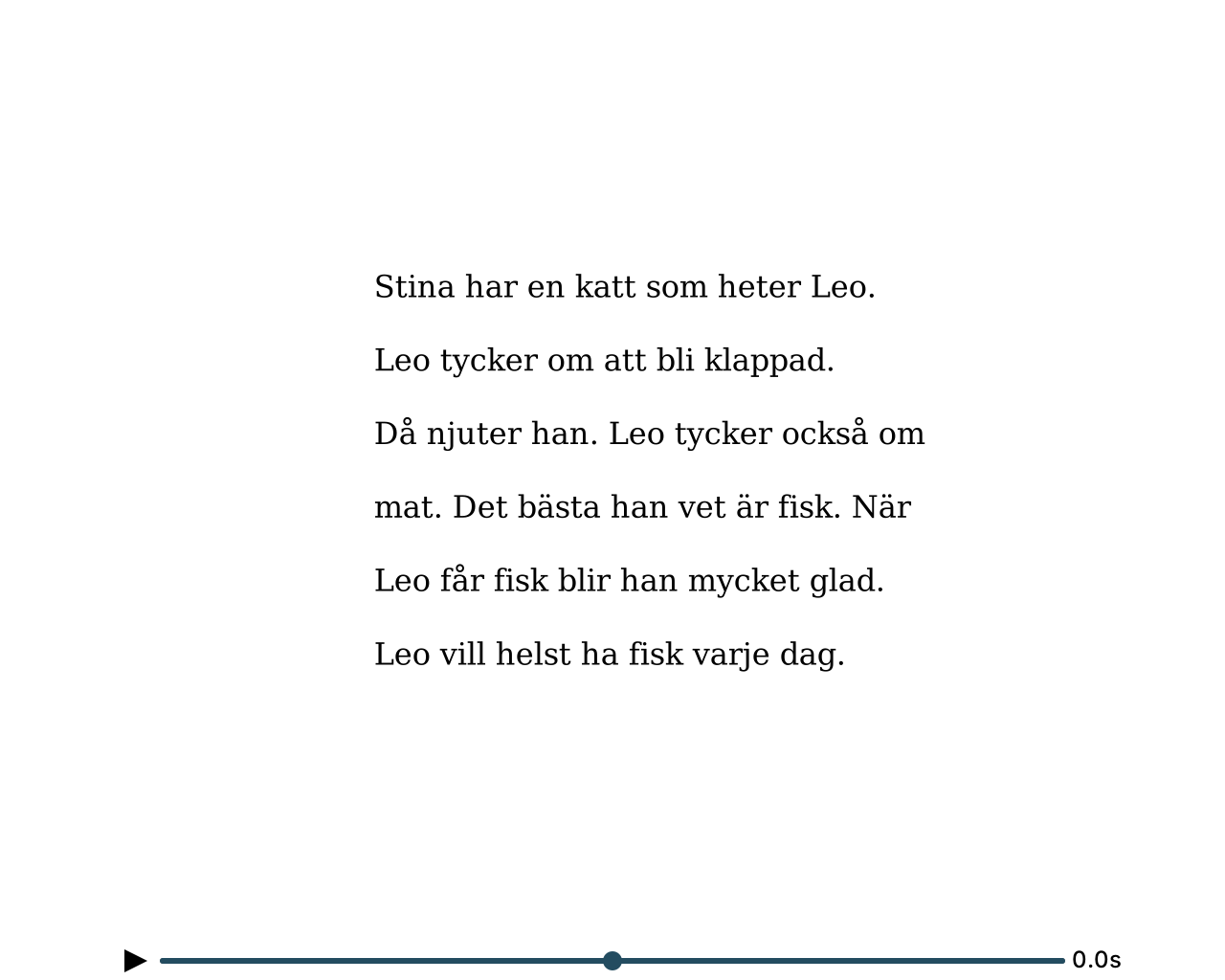
Below is an example of a visualisation included in the result payload.
Each assessment returns two or three SVG visualisations, depending on the test setup.
They are delivered inline in the result payload and can be rendered directly in your UI.
Let’s explore your integration